Hobbyist or repairer
How To Replace a Gameboy Cartridge Battery
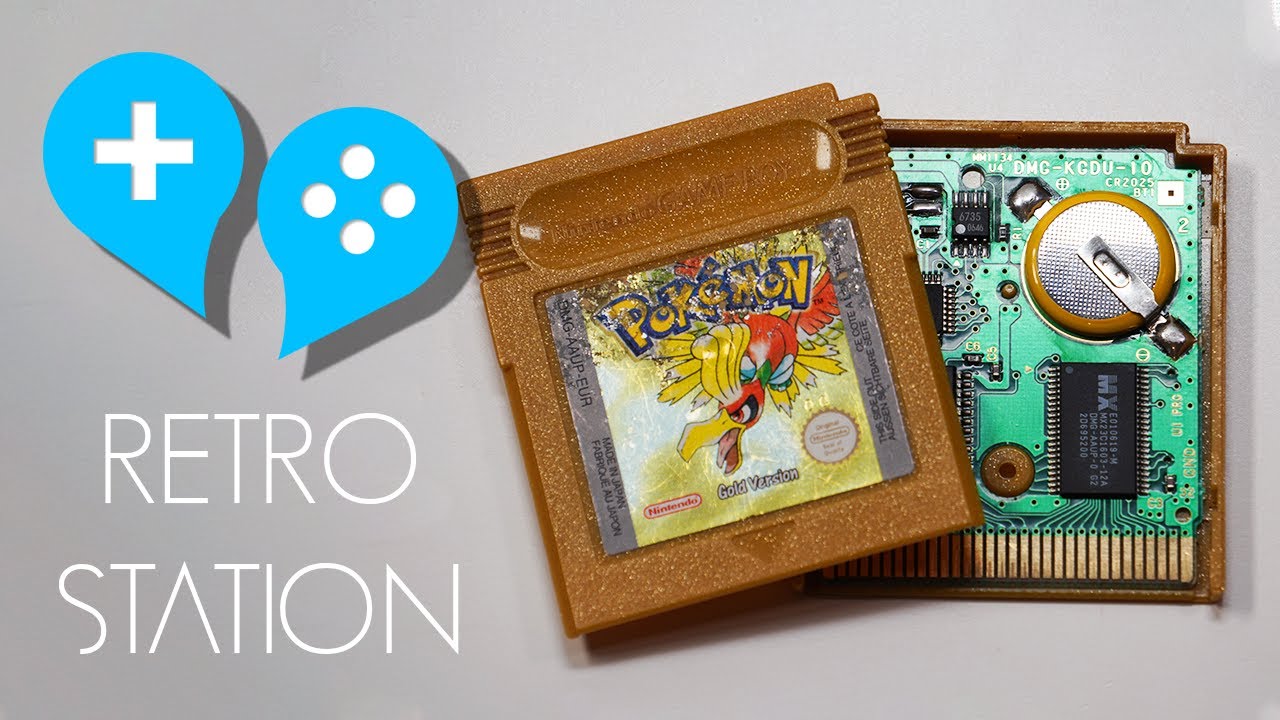
How do you replace a Game Boy cartridge battery? The maker solders in a fresh CR2025 cell, using flux, a 3.8mm bit, tweezers and isopropyl alcohol for tidying the joints.
Topic
16 videos.
A Game Boy that will not power up often has corroded battery contacts, so many repairers look there first. Dead lines on the screen and dead buttons are other common faults.
Retro ER has several DMG jobs. One covers dead vertical lines and corroded terminals, and another is a full recap with an LCD swap. The Retro Station shows a capacitor replacement that includes advice to practise first. For game cartridges, the same channel swaps a save battery.
The crust left by leaking AA cells is corrosive. Where a cartridge coin cell is replaced, pick a cell that comes with tabs fitted. Only the tabs get soldered, and the iron must never touch the cell. Do not short or charge it. Soldering adds burns and fumes, plus lead in older solder. Some videos also use isopropyl alcohol, which is flammable.
Hobbyist or repairer
How do you replace a Game Boy cartridge battery? The maker solders in a fresh CR2025 cell, using flux, a 3.8mm bit, tweezers and isopropyl alcohol for tidying the joints.
Hobbyist or repairer
Dead vertical lines on the LCD and corroded battery terminals are among the faults on a Game Boy DMG that arrived dead, before a recap, reflow and shell restoration.
Hobbyist or repairer
Restoring a Play It Loud Game Boy DMG takes in repairs to the LCD, headphone jack and power switch, then a retrobrite, an LCD reflow and recaps, from Retro ER.
Hobbyist or repairer
Heavy rust on a Game Boy DMG leads to repairs on the power switch and link port, a recap of the CPU board, an LCD swap and a test for horizontal lines.
Hobbyist or repairer
After a ribbon cable was shifted with the power on, a Game Boy DMG lost its left D-pad and B button, and a CPU taken from a Super Game Boy replaces it.
Hobbyist or repairer
Multimeter checks, treatment of battery leakage and a full recap are followed by chip swaps, including the IR3R40 audio amplifier, on a Game Boy DMG that began with no power, sound or picture.
Hobbyist or repairer
An original Game Boy (DMG) gets Funnyplaying's RetroPixel laminated Q5 IPS screen kit, with the seller's own picture-based install tutorial linked.
Hobbyist or repairer
A dog has chewed a Pokémon Blue cartridge, and The Retro Future sets out to save it and make it better than before, with an outside helper credited.
Hobbyist or repairer
Yellowed blue plastic on a dead European Play It Loud Game Boy is the starting point, and the maker tries to restore as much of the handheld as possible.
Sells parts or repairs
Dog chewing has wrecked a Pokemon Red Game Boy cartridge, and TronicsFix examines the damage to see whether it can be made to work again.
Hobbyist or repairer
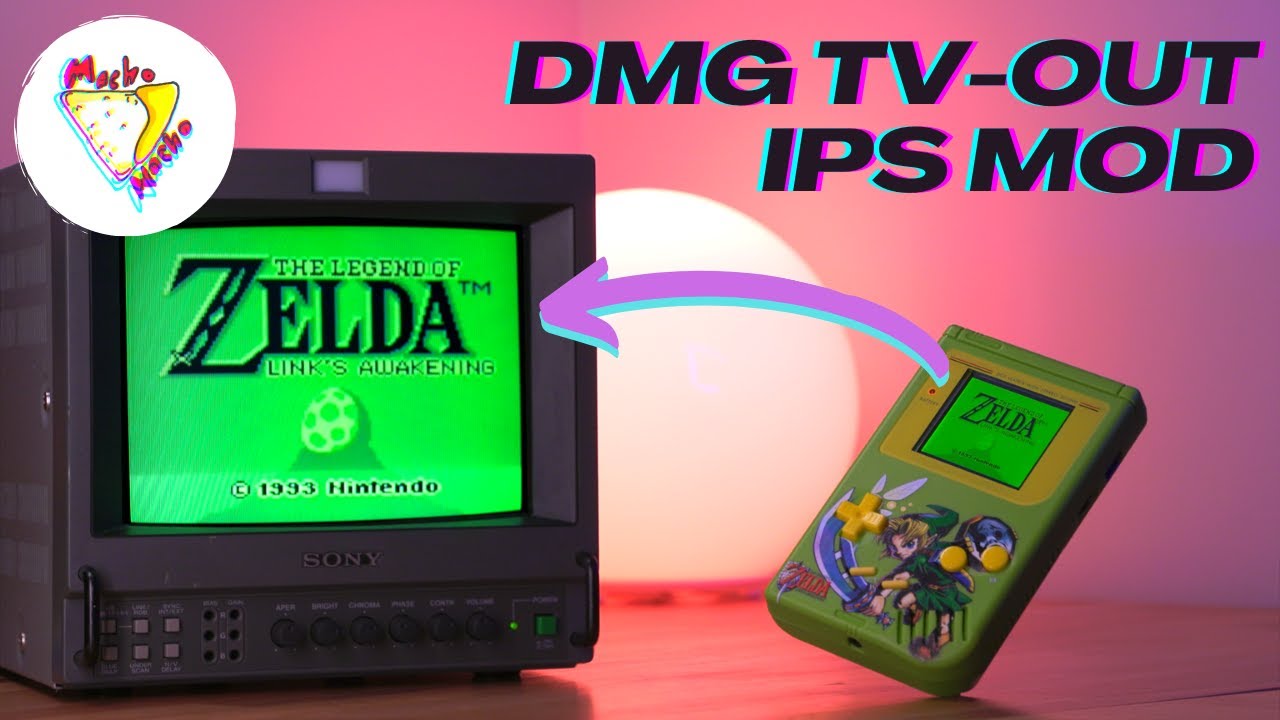
Retro Renew looks at an IPS kit, the RIPS V5, for the original Game Boy DMG. It adds a backlit screen and a video output for an external monitor.
Hobbyist or repairer
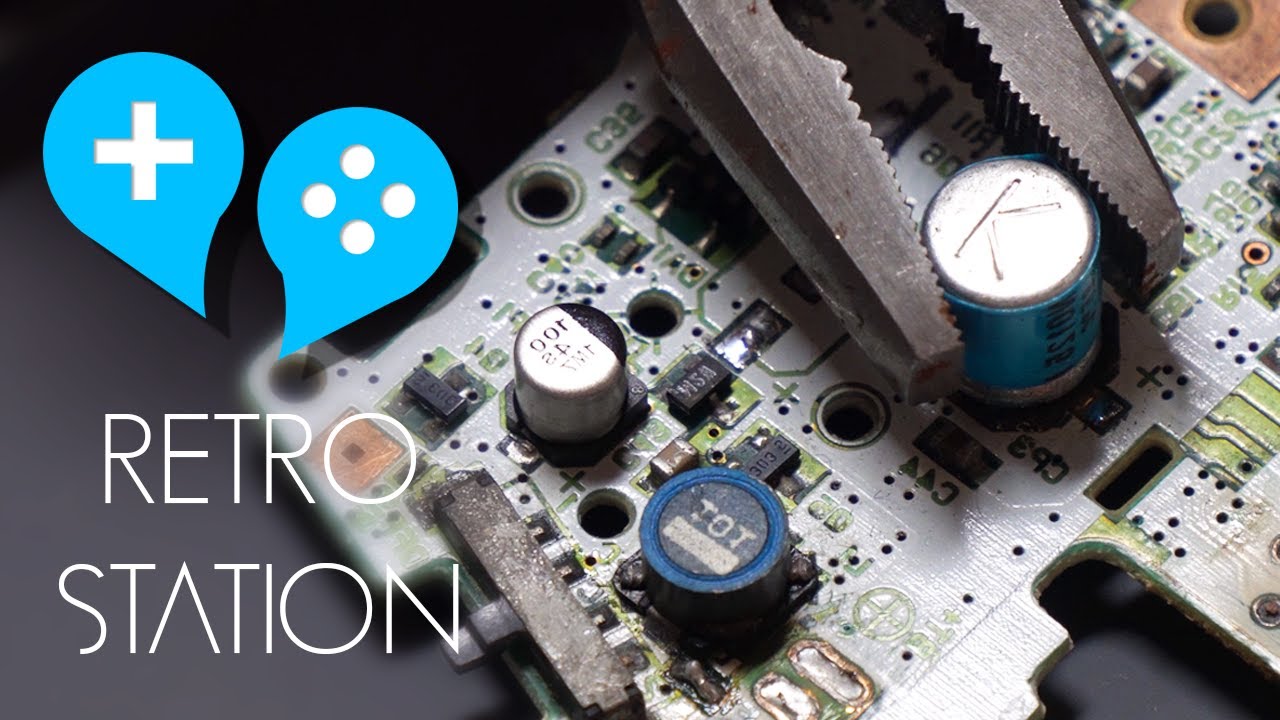
Game Boy capacitor replacement is walked through with several ways to take the old parts off and two ways to fit new ones, plus advice to practise on scrapped boards first.
Hobbyist or repairer
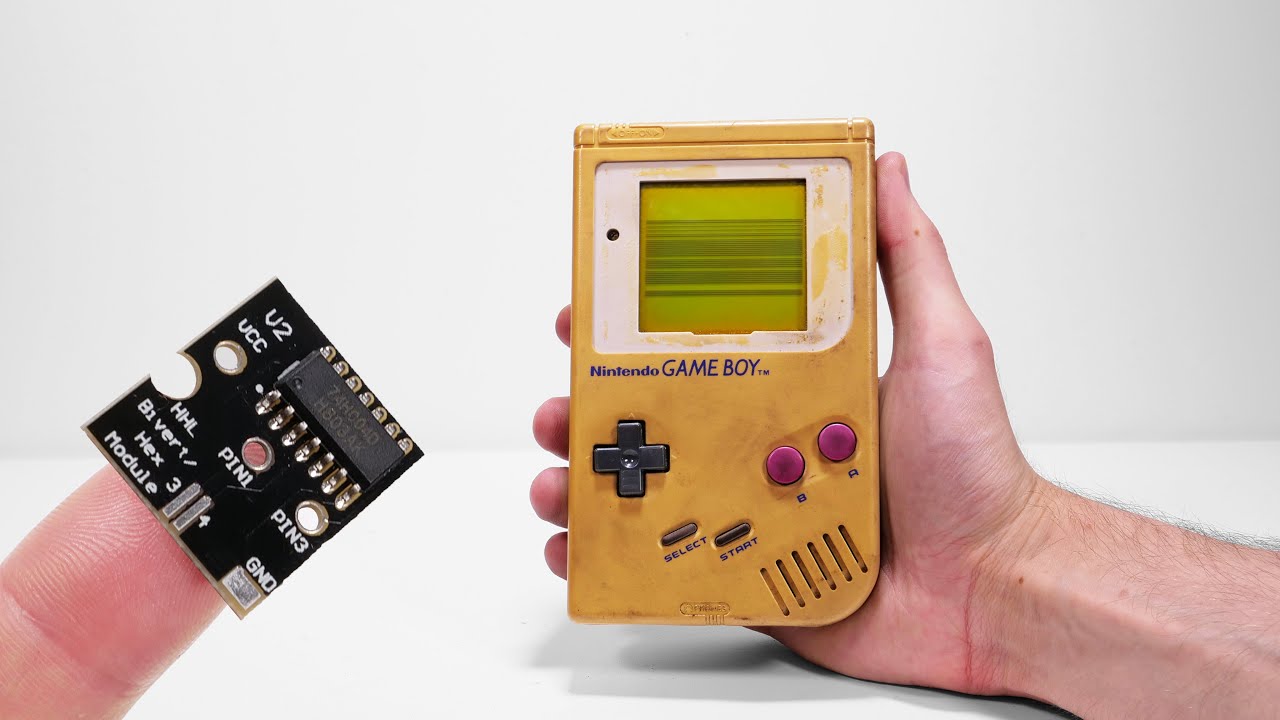
Backlight and bivert chip modifications go into an original DMG-01 Game Boy bought as junk, which the maker restores and repairs first, then the colours are inverted back to normal.
Sells parts or repairs
TronicsFix takes on nine Pokemon Game Boy games that have board faults, corrosion and one earlier repair that went wrong, trying to get each one loading again.
Hobbyist or repairer
Replacing the save battery in a Game Boy cartridge takes a CR2025 with tabs, and the maker says the same job suits NES, SNES, Sega and some N64 games.
Sells parts or repairs
Dead Game Boy cartridges are the subject here, with the techniques the maker has shared with game shops and a lesson on replacing the failed save batteries.